
Dive Meet Declaration
How to Sign Up for a Dive Meet
Warm-ups start around 2pm at home pool, If the meet is way, warm-ups then continue for the away team at 3:30. If at home we continue until 3:30. Meets start at 4pm. Once the meet starts, events go by age group: Girls are first, Boys are second
First half age groups: 8 & under, 9-10, 11-12
Halftime and Awards (Ribbons) for younger age groups
Second half age groups: 13-14, 15-18
Awards (Ribbons) for older kids
Children currently diving need to stay with the group until their group has completed. For example, while the 8-under boys are diving the 9-10 girls need to collect near the team area.
Keeping the meet moving is critical!!
All meets require you to go online and declare your intentions.
- are for Dive meets by Wednesday Evening
- Declare as soon as possible for all meets
- If not available for a meet, mark that entry
- Make sure dive sheets are filled out on Friday
- Make sure the coaches know if you cannot attend warm-up
How to Declare for Dive Meets:
This can be done whenever you know your summer schedule. Some families declare for all dive meets at the beginning of the season, and others do this week by week. The deadline to commit to dive meets is midnight on the Thursday prior to each Sunday dive meet.
You must be signed into your account before you can sign up for meets. Once signed in, click on the "Meets/Events" tab. There you will see a list of upcoming meets and events that have jobs associated with them. On the right-hand side of each meet is a button labelled “MEET ENTRY”. It will be green if meets are still open for signing up, and gray if the meet is now closed for signing up.
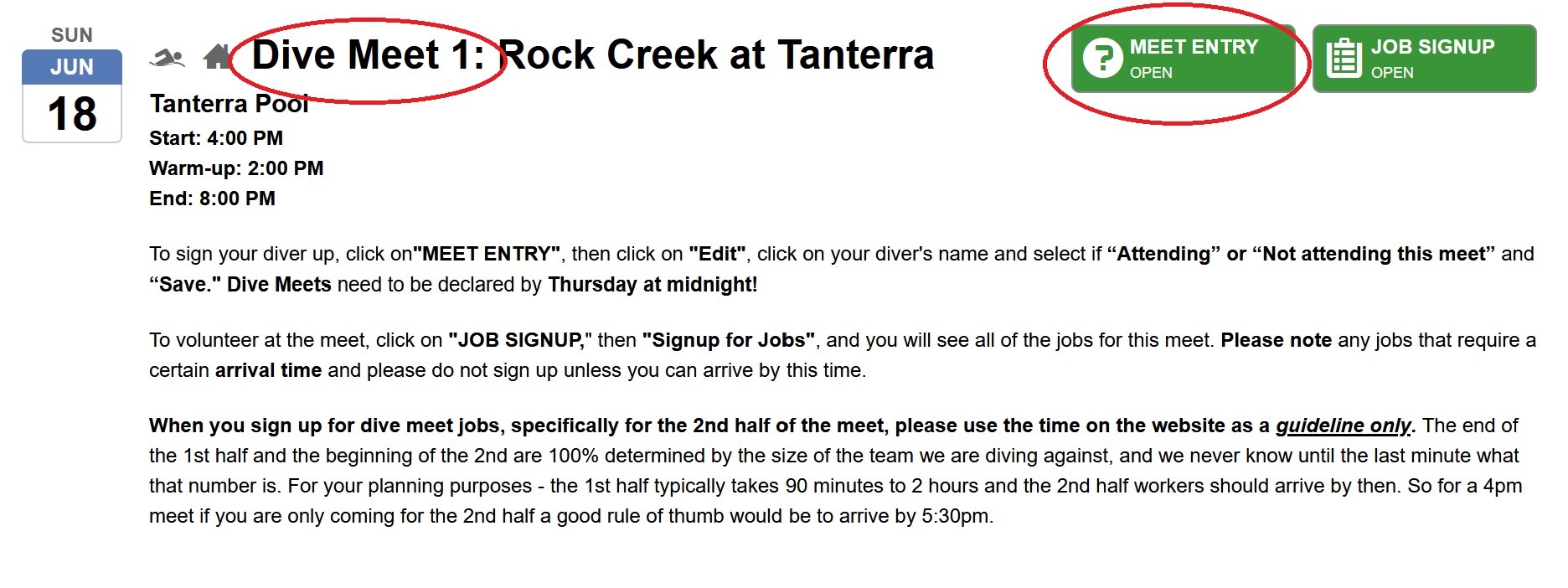
Click on the green “MEET ENTRY” button to sign-up your athletes for meet events.
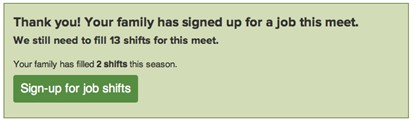
You may see a volunteer job confirmation window with a link to go back and sign-up for job shifts.
Underneath you will see a list of athletes associated with your account. Click “Edit” to add or change their attendance.
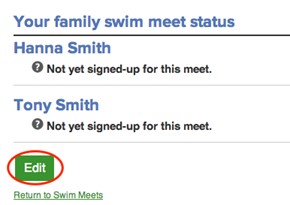
Select an attendance option from the drop-down menu next to each athlete's name: if they are available to swim select “Attending”, if they are not available to swim select “Not attending this meet”. Click the “Save” button at the bottom of the screen. You are all set!

